
Everything from the IO list to the drawing package
SchematicForge is a single data model for your loops: the register, the schedules, and the drawings all render from the same records. Nothing lives in two spreadsheets.
IO list import
XLSX, XLS, and CSV with fuzzy column mapping, header-row detection, and a 10-row preview before anything is created. Strict Zero-AI Mode is the default. Opt-in Google Gemini mapping labels messy vendor columns only; it never draws a sheet.
Validation rules
Rows are checked against a rule set — missing tags, unknown signal types, non-numeric ranges — and problems surface by category, never silently dropped.
Auto-assignment
Junction boxes, terminals, cables, and drawing numbers assigned from your project standards, consistently across every artifact.
Loop Register
A protected, editable Excel register that round-trips: export it, edit in Excel, import it back with a diff of every change.
Deterministic drawings
DXF, SVG, and PDF sheets with title block and drawing index. Identical inputs produce identical files, so revisions are auditable.
Project packages
Every paid pack: clean merged PDF (cover, legend, notes, index, registers, I/O appendix, loop sheets), native DXF ZIP, Loop Register, schedules, from-to and ferrule CSVs, SAT sheets, PLC tag list, and QA. Free is the first 15 field-wired loops, watermarked; no DXF. Rev B/C inside the band is $0.
PLC tag list
CSV, Excel, and Studio 5000 L5X tags from the same IO list. Names and BOOL/REAL types only — not a controller program.
Band overflow
If the IO list grows past the purchased loop band, you pay the difference to the next band — not a second pack.
NDA and DPA
We sign your NDA. DPA at /dpa (PDF on that page). Security questionnaires: security@schematicforge.com, same-day reply.
Documentation you produce
Loop Diagrams
Turn your IO list into complete loop diagrams with a consistent title block, signal annotations, and numbered sheets. The same data that feeds your register feeds the drawings, so they can never drift apart.
Learn more →
Cable Schedules
Cable scheduling from the same IO list as the loop diagrams: auto-assign cables, junction boxes, terminals, and marshalling points from your project standards, then export a schedule that matches the issued drawings.
Learn more →
Termination Lists
Generate per-JB and per-cabinet termination lists with wire numbers, terminal pairs, and loop references — the detail commissioning actually needs.
Learn more →
Loop Register
Export a protected Excel Loop Register, edit tags and assignments in Excel, and re-import with a diff. The register, the drawings, and the schedules stay one dataset.
Learn more →
Alarm register
Sibling product: free CSV health check, then ISA-18.2 Alarm Register and rationalization workbook by alarm count. Not a live DCS.
Alarm packs →
See the actual output
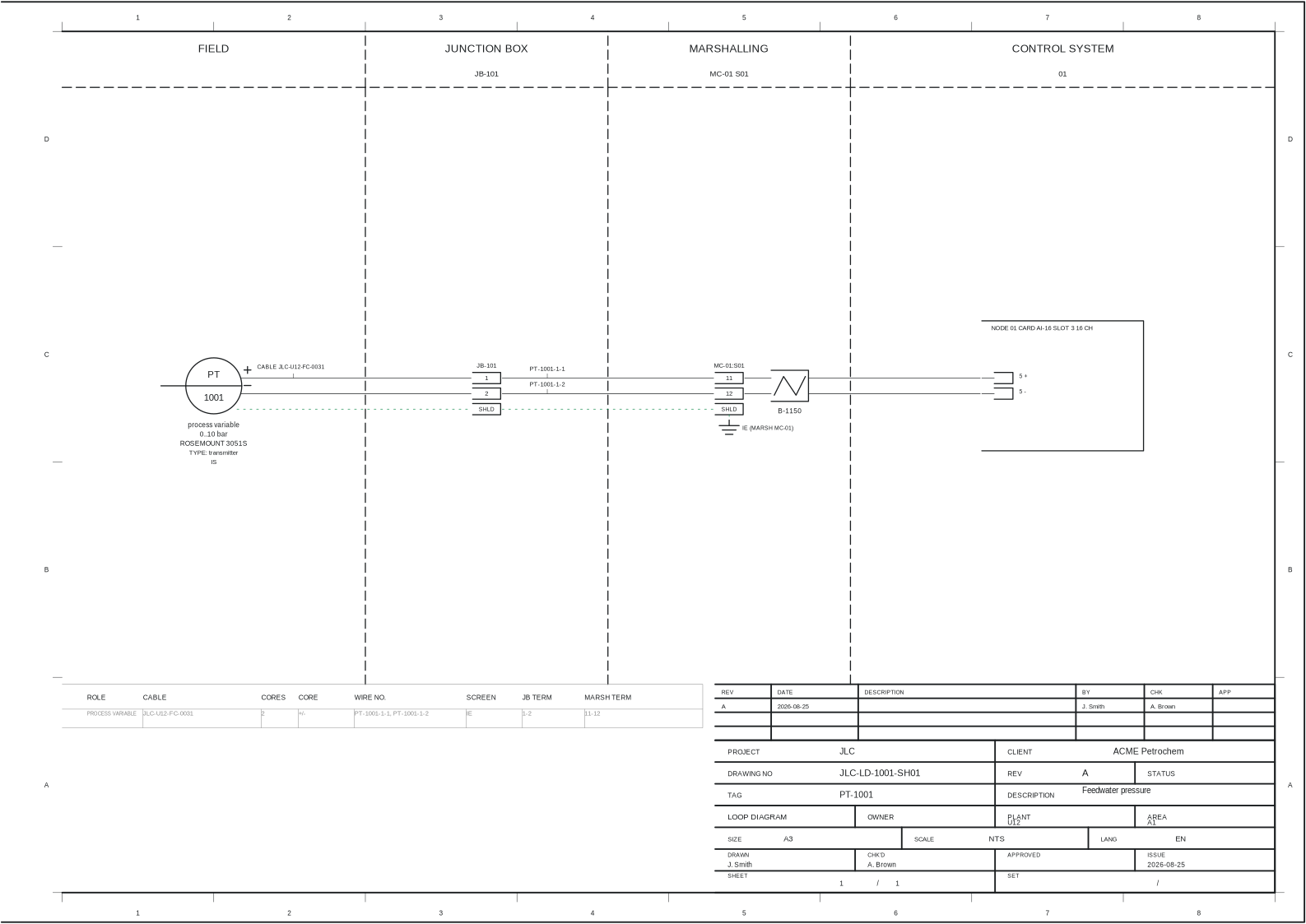
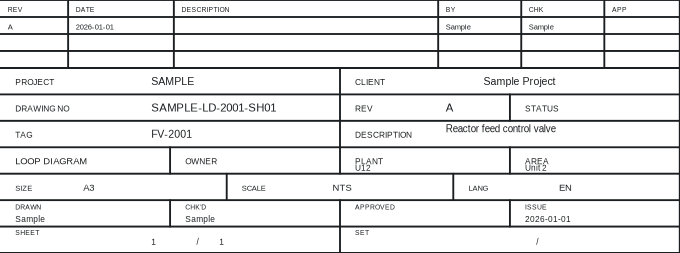
Download the sample output (FV-2001 control valve):
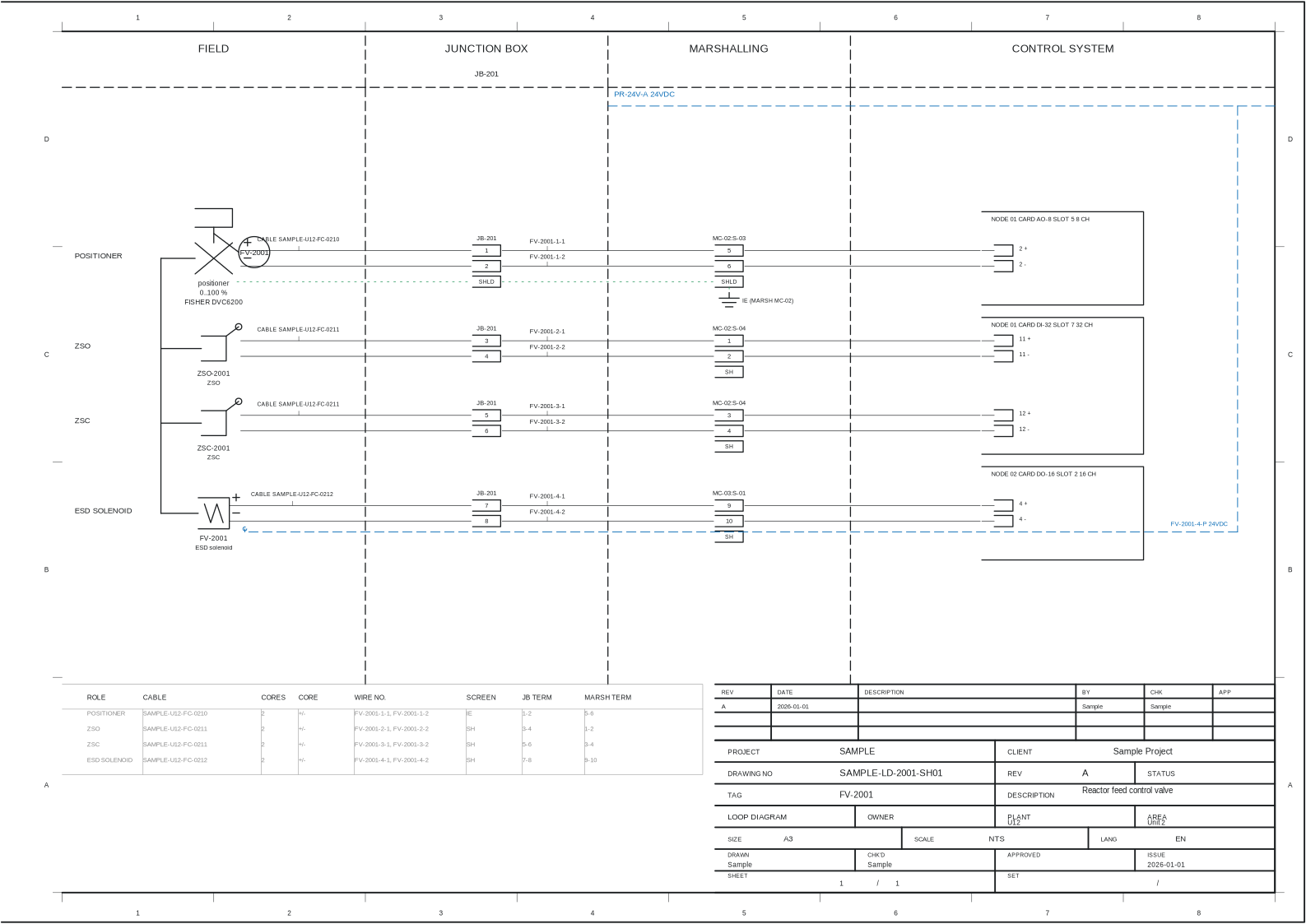
Open sample-loop.dxf in AutoCAD, BricsCAD, or EPLAN: the sheet is native DXF with editable blocks and your layer and title-block names. Engineer review still required — this is a drafting aid, not a SIL/IEC 61511 deliverable.
Scope & engineering boundaries
- Not a causal-loop sketch, not a P&ID, and not a PID tutorial.
- Generated documents are drafting aids. They are not an ISA-5.1 certificate, not a SIL or IEC 61511 deliverable, and not an AutoCAD Electrical or EPLAN project.
- Engineer review, title-block approval, and your project standard still apply.
See real output with no upload: Sample IO list (XLSX) · Sample loop PDF · Sample loop DXF